

Deadlock match stats, rank and hero records
Stats reads your Deadlock matches from deadlock-api, a community service, and shows them inside Sigil.
Getting started
Open the player panel on Stats and paste your Steam profile link, SteamID or Deadlock account id, or pick a Steam account Sigil found on your PC. Player stats must be on in Settings, Privacy, because the reads go to deadlock-api with that account id. You can add tracked players by hand and switch the primary account between them.
What you can see
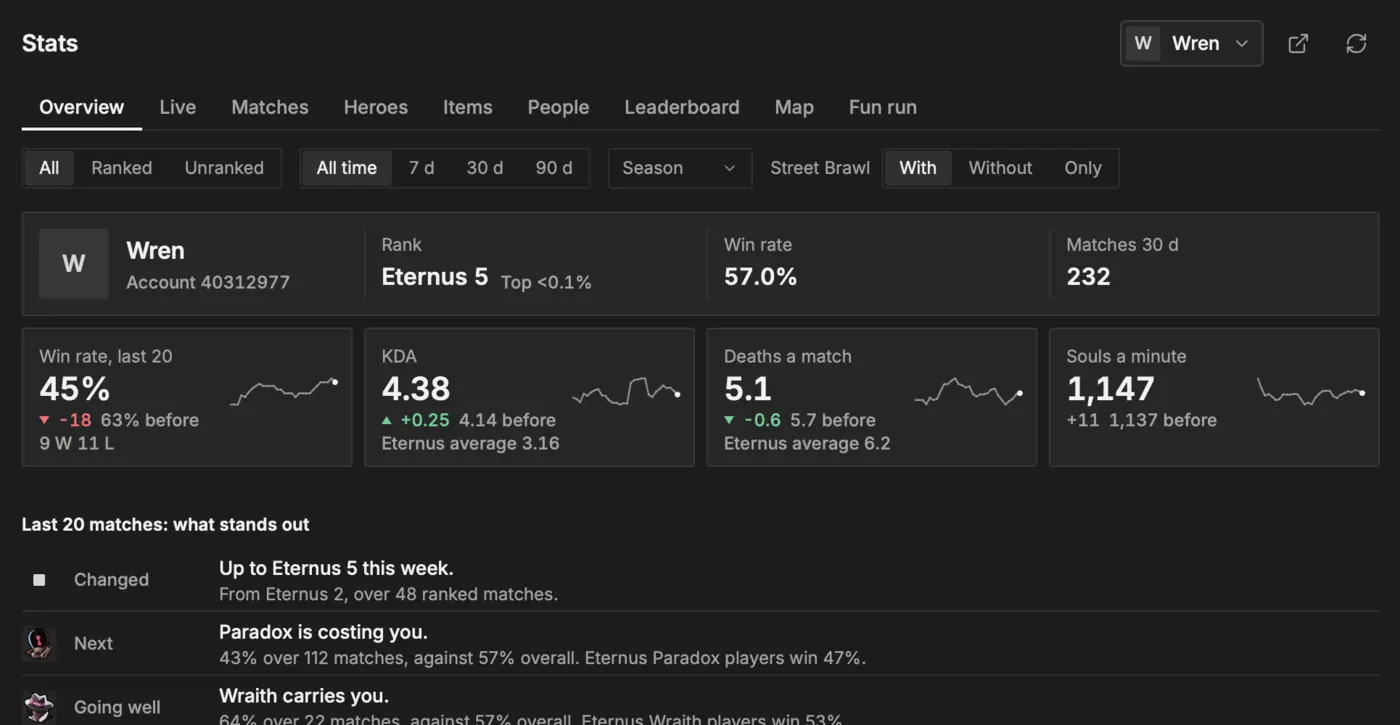
- Overview: rank, win rate, recent matches and heroes, plus a short list of what stands out over your last 20 matches, such as a hero that is costing you or one that carries you.
- Heroes: your record on each hero.
- Matches: the recent list, with Street Brawl and abandoned games marked. Street Brawl games never count as ranked or towards win rate.
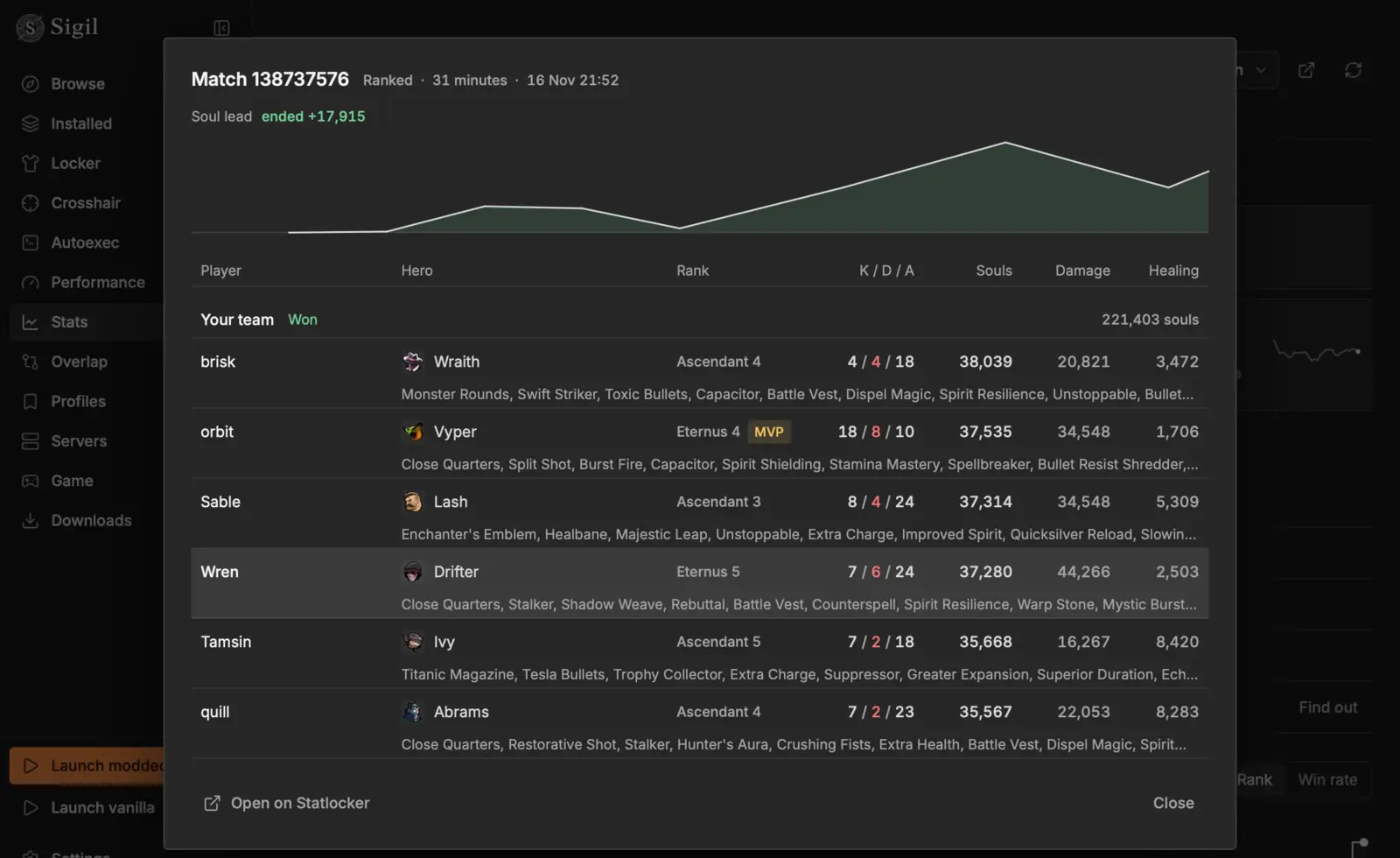
- Match detail: both teams, builds, souls over time, damage and healing, and who abandoned.
- Items and Item meta: your item win rates and buy times, and everyone's best items.
- Party: how the lineups a party can queue have done, from pair and trio records.
- Leaderboard: by region and season, with your place marked.
- Fun run: a random hero, lane, item build and ability order from one code, to share and race.
Filters scope every section to ranked or all matches and to a season or date range. Statlocker links open in your browser.
Live match
While Deadlock runs, Stats, Live match can read the game's console log to show the queue, when a match is found and the match clock. An optional live bridge adds both teams' numbers through a small HUD mod. This part has only been checked on recorded data so far, so treat it as an early feature.
Privacy
Nothing is fetched until you turn Player stats on, and the reads carry only the account id you chose. Settings, Privacy lists every host Sigil talks to.
Download Sigil
Windows 10 and 11, 64-bit. Free and open source. No administrator rights needed.
Windows may show “Windows protected your PC” because the installer is not code signed yet. Choose More info, then Run anyway.