

Launch Deadlock with or without mods
Sigil has two buttons at the foot of the sidebar: Launch modded and Launch vanilla. Both start Deadlock through Steam.
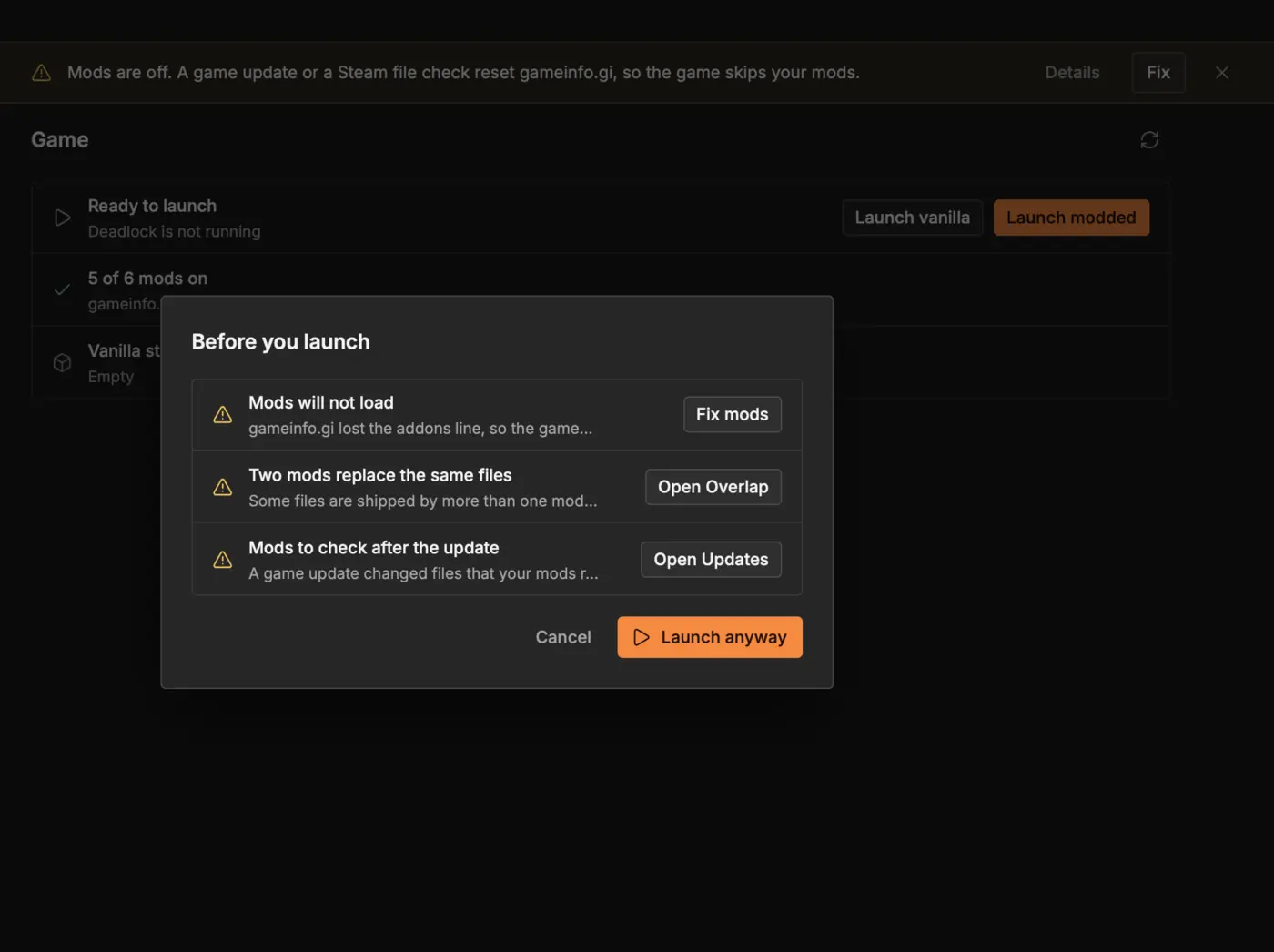
Launch modded
Before a modded start, Sigil checks that your enabled mods still have their files, that gameinfo.gi still tells the game to load the addons folder, which mods overlap and which mods need a look after a game update. Anything that needs attention appears in a short checklist with a button to fix it, and you can still choose Launch anyway.
Sigil also writes the Steam launch options you saved on the Autoexec page, and can ask about map mods first.
Launch vanilla
Launch vanilla moves your mods aside, starts the game without them and puts them back afterwards. Use it to check whether a problem comes from a mod, or to play without mods for a while. The Game page shows whether mods are currently set aside.
The gameinfo.gi fix
Deadlock only reads the addons folder when game/citadel/gameinfo.gi lists it in its search paths. Every game update and every Steam file verification puts Valve's own file back, and your mods quietly stop loading. When that happens Sigil shows a banner on every page with a Fix button. The fix adds back the line that loads mods, keeps a copy of the file first and leaves alone the search paths another tool added.
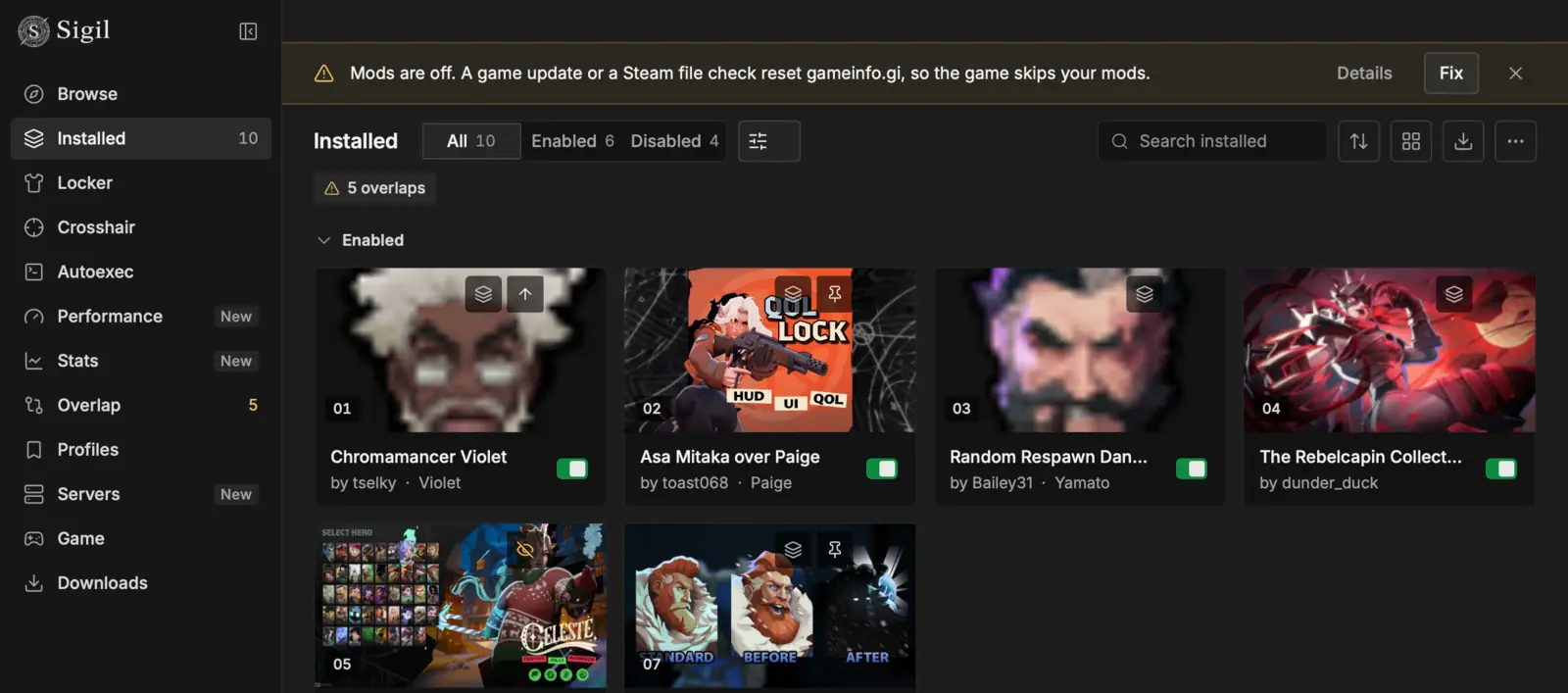
When the game will not start
Stop game closes a running Deadlock. If the game crashes, Sigil reads the crash dump and the console log around it and, when it can, names the mod file that was loading and offers to switch it off. Installed, More, Find a broken mod halves your enabled mods across launches until it finds the one that breaks the game. If the game still fails with every mod off, verify Deadlock's files in Steam, start it once, and let Sigil fix gameinfo.gi again.
Launching and restoring on a Windows install is the newest part of Sigil; if something goes wrong, use Send feedback on the error so it can be fixed.
Download Sigil
Windows 10 and 11, 64-bit. Free and open source. No administrator rights needed.
Windows may show “Windows protected your PC” because the installer is not code signed yet. Choose More info, then Run anyway.